Shopware Demo Store Polaris: How We Build Shopping Experiences

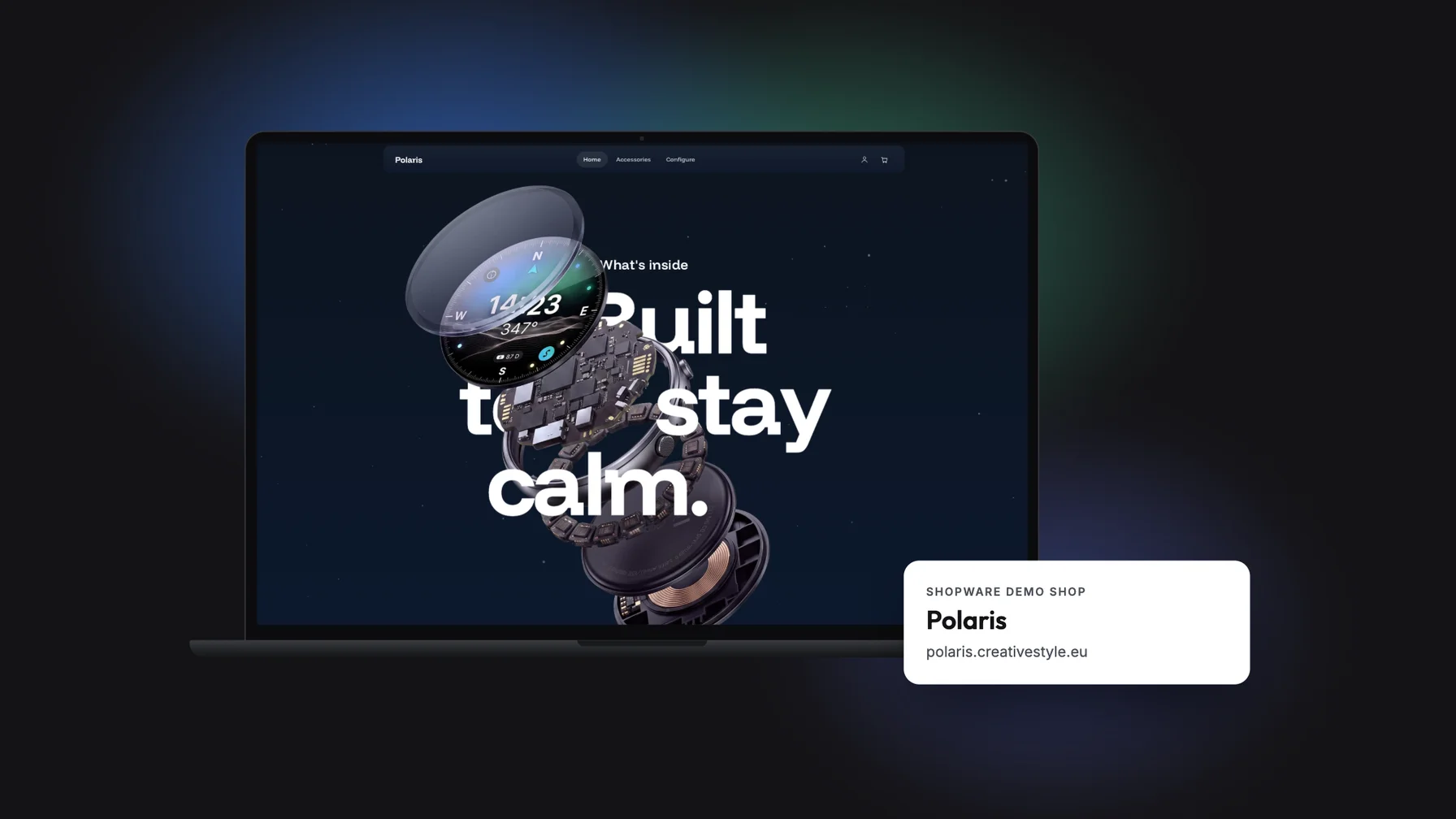
Try the Shopware demo store Polaris: configure a smartwatch, add accessories, see the live price. Plus a checklist for evaluating a Shopware demo.
What does a Shopware store feel like when it doesn't look like a template? That's exactly what Polaris, our Shopware demo store at polaris.creativestyle.eu, shows you. Using a fictional smartwatch brand, you put together the model, features and strap and watch the price update live. Built entirely on Shopware, no login required.
Polaris isn't an off-the-shelf showroom. It's a look at how we work: this is how we build product presentation, configuration and accessories for our clients as a Shopware agency.
At a glance:
What the Polaris demo store shows and how to test it
Which Shopware features power this kind of shopping journey
What you can take from the demo for your own project
Where a demo reaches its limits
What is the Shopware demo store Polaris?
A Shopware demo store is a publicly accessible sample storefront that shows Shopware's features and shopping experience using a real product scenario. Polaris is creativestyle's demo store. At its centre is the Polaris.One smartwatch from a fictional brand, presented with a product story, a configurator and an accessories range. The storefront is in English.
What sets it apart from a standard demo: Polaris doesn't show an empty theme but a fully designed brand experience. It answers a question many decision-makers have before a project: how individual can a Shopware store look and feel?
Walkthrough: how the Polaris demo store works
Home page: understand first, then choose
The home page starts with the Polaris.One story: benefits, use cases, details. Only then does it lead you to the selection. As you click through, notice when you understand the value and when you're ready to configure. For products that need explaining, this order is what drives conversion.
Configurator: making choices visible
In the configurator, you choose the model, "Core", "Finish" and "Magnetic Strap". A summary always shows your current selection, the price updates live, and "Add to bag" puts your configuration in the cart. The "Enterprise" option is marked "Pro only", which shows how restrictions can be communicated clearly.
Accessories: add-ons that are easy to find
The accessories page groups the range into "Straps", "Mounts", "Power" and "Finding". Product cards show the price and a direct "Add" action. It's worth looking at how accessories relate to the main product and how easily add-ons make it into the cart.
The Shopware technology behind this kind of journey
Shopware comes with the building blocks for shopping experiences like Polaris:
Shopping Experiences: content pages and layouts built from sections, blocks and elements, including product pages.
Variants: product versions are generated from properties such as colour or material.
Cross-selling: accessories and matching products can be assigned to an item.
Administration: your team manages products, orders and content in the admin area, separate from the storefront.
More complex selection rules often go beyond the standard and need an extension or custom development. So for your project, always ask to see what's standard, what's a plugin and what's custom-built. That distinction belongs in every reliable effort estimate.
What you can take from Polaris for your project
Polaris is a B2C example, but its logic works for many product ranges. For a B2B machine, it would be size, connection type and accessories instead of case and strap. Ask yourself three questions as you walk through:
What information does your customer need before choosing?
Which combinations need to be ruled out?
What details have to arrive complete in the order and in your ERP later?
Our recommendation: an elaborate product presentation pays off mainly for new purchases that need explaining. For regular B2B reorders, a short path with quick order is usually the better choice.
Testing a Shopware demo store: five steps to a project brief
Pick a real buying task. Take a product from your range and run through the selection you need, including accessories.
Note questions and gaps. Where is information missing, where is a selection unclear? These become concrete UX requirements.
Ask to see the admin side. Seeing variant management and layout changes in the administration shows how much work will land on your team.
Check one critical integration. Follow a configured item from the cart to the order structure in your ERP.
Separate demo from commitment. For each requirement, note whether it's visible in the storefront, shown in the administration or still technically open.
Conclusion: Polaris shows what's possible with Shopware
The Shopware demo store Polaris makes it tangible what an individual Shopware store with a product story, configurator and accessories can look like. You'll get the most out of it if you test it with a buying task of your own and turn your findings into requirements for your project.
Next step: try Polaris and talk to us about how its logic could work for your range.
Frequently asked questions
What is the Shopware demo store Polaris?
Polaris is creativestyle's Shopware demo store at polaris.creativestyle.eu. Using a fictional smartwatch, it shows an individual product presentation with a configurator, live pricing and accessories, with no login required.
What can I try out in the Polaris demo store?
You can explore the Polaris.One product story, configure the model and features, choose accessories such as straps and mounts, and add your selection to the cart.
How is a Shopware demo store different from a real online store?
A demo store is for presenting and trying things out, not a live store. Real orders, payments and integrations such as ERP or shipping aren't connected.
How does product configuration work in Shopware?
Shopware generates variants from properties such as colour or material and assigns accessories via cross-selling. We implement more complex selection rules as project-specific extensions.
Can a Shopware demo store serve as a template for my B2B store?
As inspiration for information structure and guided selection, yes. For B2B, you also need customer-specific prices, approvals and a clean ERP integration, which we clarify in a dedicated review plan.