Migrating to Shopify: How to Keep Your Data and Rankings

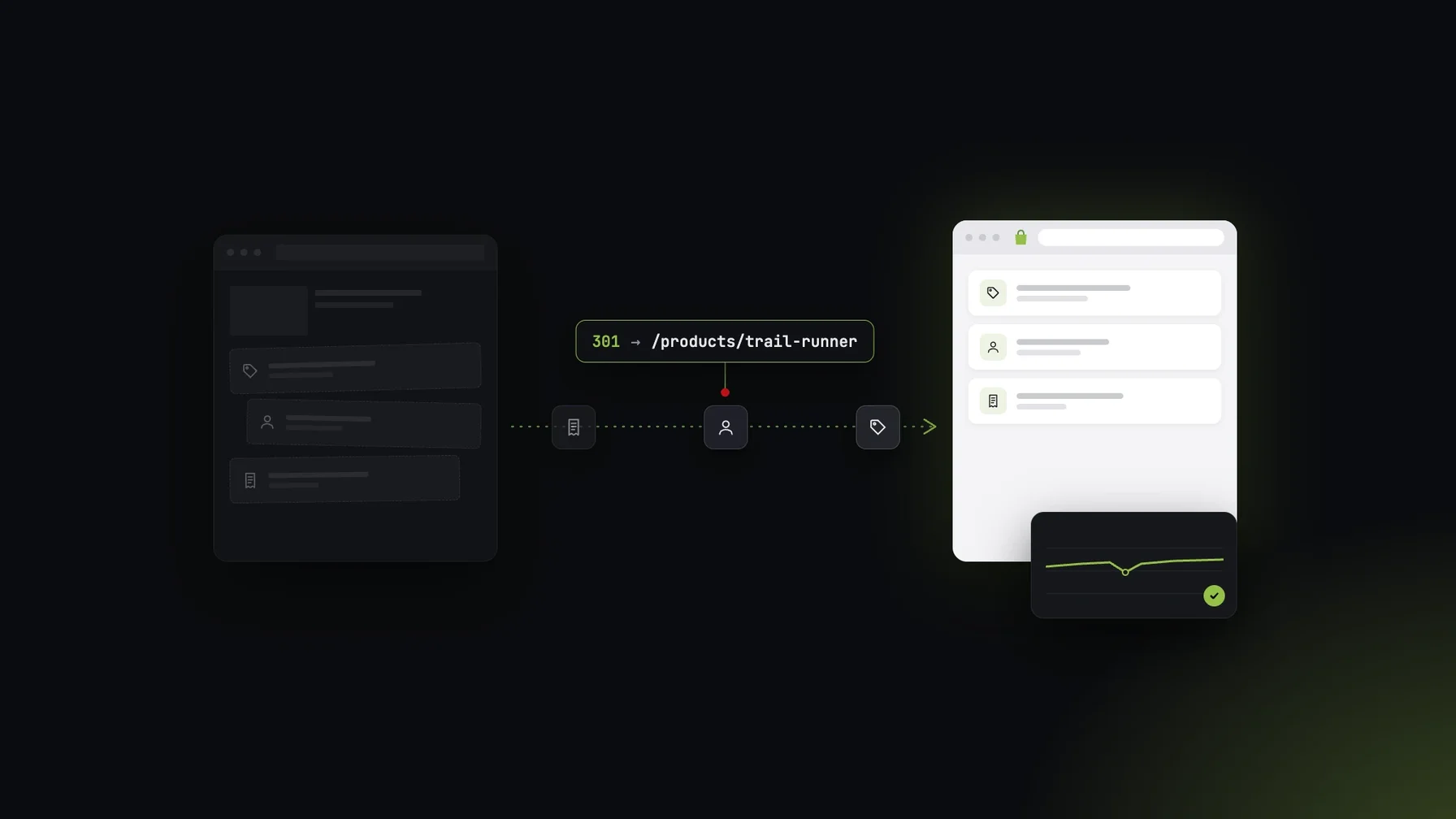 AI generated
Migrating to Shopify from Magento or Shopware: which data moves, how 301 redirects protect your rankings and what a clean process looks like.
A migration to Shopify rarely fails because of the product import. It fails because of details that only show up after go-live: customers who can't log in any more, category pages dropping out of Google's index, or an ERP interface that suddenly writes duplicate orders.
Many shops running on Magento or Shopware today are looking at a switch because Shopify handles hosting, security and updates itself. To make sure the move doesn't cost you revenue and rankings, you need a plan for data, URLs and integrations.
At a glance:
Which data you can migrate and which you can't
How to protect rankings with 301 redirects
What happens to integrations and custom logic
What a clean process looks like
What a migration to Shopify involves
A Shopify migration means moving an existing online shop to Shopify: data, content, URLs and integrations. You'll usually rebuild the theme, because templates from Magento or Shopware can't be transferred.
Shopify recommends a fixed import order: first products with variants, images, metafields and prices, then customers, then historical orders. Depending on your catalog, CSV imports, migration apps or a custom API migration will do the job, the latter for example with several shops or an ERP integration.
Which data doesn't move 1:1
Some things don't fit Shopify's data model directly. According to Shopify, this mainly affects:
Customer passwords: they can't be migrated in a usable format. Plan activation emails or password resets after go-live.
Custom product attributes: they have to be mapped to metafields before the migration.
Configurable products: they often need a manual review.
CMS blocks and widgets: they have to be rebuilt in Shopify.
Layered navigation: it works differently in Shopify and needs to be planned anew.
The catch: if you only discover these points during testing, your go-live slips. So decide early how each attribute will be represented in Shopify.
SEO in a Shopify migration: protecting your rankings
Shopify uses fixed URL structures, such as /products/ for products and /collections/ for categories. Your old Magento or Shopware URLs will almost always change. Every indexed URL that changes therefore needs a 301 redirect, a permanent redirect to the new address.
This is how Shopify's own guide approaches it:
Export the 500 to 1,000 URLs with the most organic traffic and map them individually.
Redirect the remaining URLs by pattern and check exceptions manually.
Import the redirects as a two-column CSV: old URL and new URL.
Avoid chains and loops, and check that the redirects really return 301, not 302.
For pages with no traffic and no backlinks, a well-designed 404 page can make more sense than a forced redirect. After go-live, monitor traffic for at least 14 days. According to Shopify, a slight dip in the first week is normal; a sustained drop points to faulty redirects or canonicals.
Integrations and custom logic
Most shops depend on ERP, PIM, shipping and payment providers. These connections don't move automatically. For each interface, you need to decide: prebuilt connector, App Store app or custom API integration.
Just as important is the custom logic that has grown over the years in Magento or Shopware extensions: pricing rules, discounts, shipping costs. Check whether you really still need each rule. In Shopify, a lot can be handled with apps or Shopify Functions, and some of it isn't worth keeping at all.
Our recommendation: don't turn your migration into a 1:1 copy. A feature audit before you start removes dead weight and lowers implementation costs.
What a clean migration looks like
Take stock. Inventory data, URLs, extensions and interfaces, and cut what you no longer need.
Define the mapping. Map attributes, customer groups and prices to Shopify's data model.
Do a dry run in a development store. Import all data and check it with test orders well before go-live.
Test redirects. Check at least the 20 to 30 most important URLs manually and the rest with a crawler.
Switch the domain. According to Shopify, lower the DNS TTL 24 to 48 hours beforehand so the change takes effect quickly.
Monitor after go-live. Track traffic, rankings, orders and interfaces closely in the first weeks.
Conclusion: a migration to Shopify is a data and SEO project
A migration to Shopify succeeds when data, redirects and integrations are in place before go-live. Importing the products is the smallest part of the work.
For businesses, the switch is also a chance to clean up custom logic that has piled up over the years. That lowers running costs for good.
If you're coming from Magento or Shopware, it helps to work with a partner who knows both sides. We work as a Magento agency, a Shopware agency and a Shopify agency, so we know where the data sits in the old system.
Frequently asked questions
How long does a migration to Shopify take?
That depends on data volume, integrations and design. A small shop with standard features can move in a few weeks. With an ERP integration, B2B and a new design, plan for several months.
Will I lose my Google rankings when migrating to Shopify?
Not if you 301-redirect every changed URL to the matching new page. According to Shopify, a short dip in the first week is normal. A sustained drop points to problems with redirects or canonicals.
Can customers keep using their passwords after the migration?
No. According to Shopify, passwords can't be migrated in a usable format. Customers reactivate their accounts after go-live, for example via an invitation email.
What happens to my Magento or Shopware extensions?
They don't move with you. Check for each extension whether you still need the feature and whether an app, Shopify Functions or custom development can cover it.