Magento End of Support: When Your Shop Needs an Update

 AI generated
Magento end of support: how long Adobe supports versions 2.4.4 to 2.4.9, how security patches arrive and how to plan your Magento update.
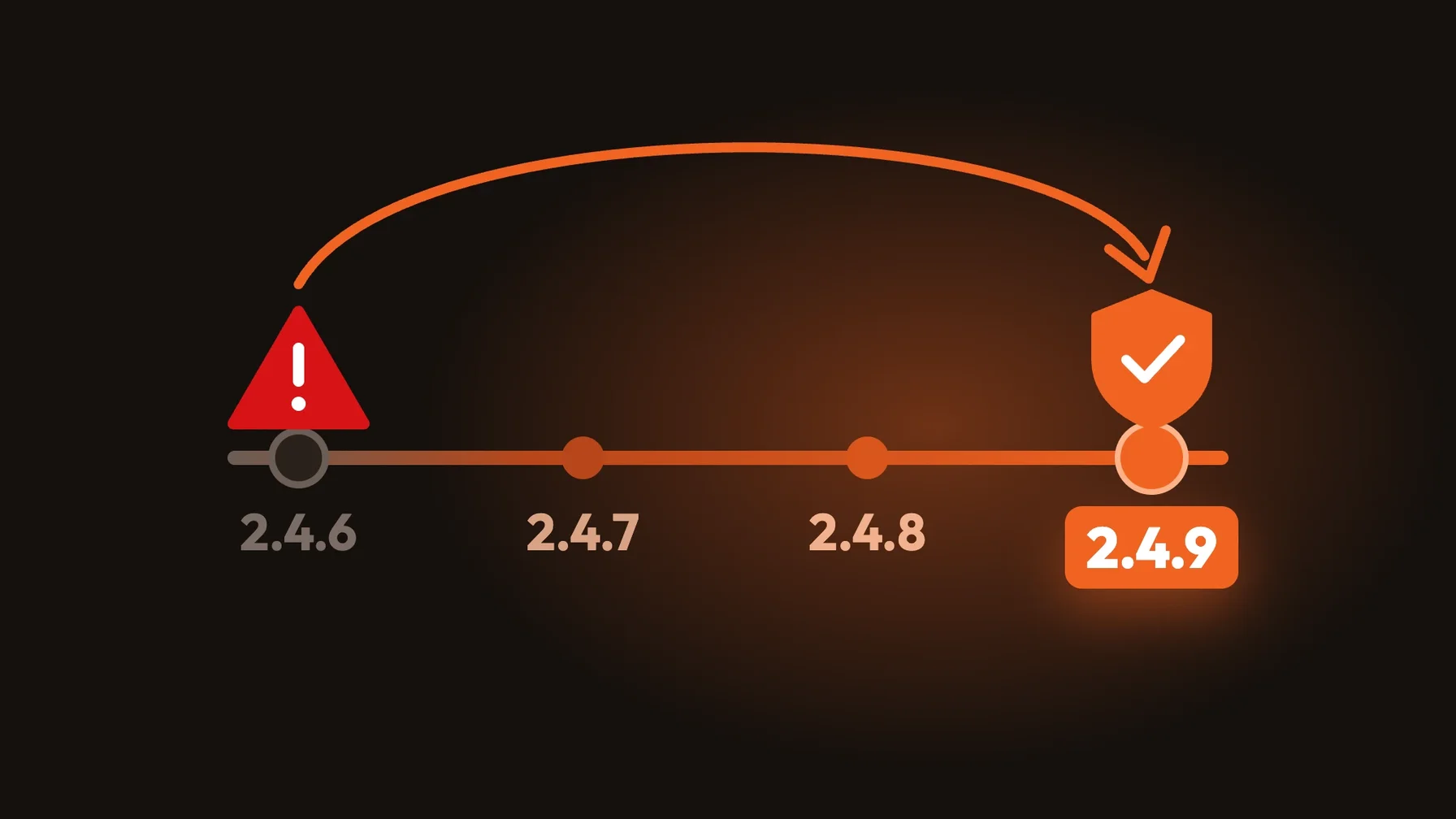
Is your shop still running on Magento 2.4.6 or older? Then it's worth checking the calendar. Adobe has set a fixed Magento end of support date for every 2.4 version. After that, there are no regular bug fixes, and later no security patches either.
An outdated shop isn't an abstract risk. It's an entry point for attacks, puts payment and customer data at risk and gets harder to run with every new PHP or database version. That's why a Magento update belongs in your annual planning, not in firefighting mode.
At a glance:
How long Adobe supports the 2.4 versions
Which versions need action now
How security patches are delivered today
How to make updates predictable
How long Adobe supports Magento versions
According to its lifecycle policy, Adobe supports each version for three years from release. During this period, there are bug fixes, security patches and support. For 2.4.6 and 2.4.7, Adobe adds one more year of extended support at no extra cost. Some versions then get a further phase with isolated security fixes only, without bug fixes.
The dates according to Adobe (Adobe Commerce):
2.4.4 and 2.4.5: standard and extended support have ended; security fixes only until 31 May 2027.
2.4.6: standard support ended on 11 August 2026, extended support until 31 August 2027, security fixes until 31 May 2028.
2.4.7: standard support until 31 May 2027, extended support until 31 May 2028.
2.4.8: standard support until 31 May 2028.
2.4.9: released on 12 May 2026, standard support until 31 May 2029.
The catch: the dates in the lifecycle policy refer to Adobe Commerce. For Magento Open Source, plan on the same schedule, because security patches are published for the supported release lines of both editions.
Which versions need action now
If you're on 2.4.5 or older, you only get isolated security fixes, and only until May 2027. An update is urgent here.
For 2.4.6, extended support runs until August 2027. That sounds like plenty of time, but a version upgrade needs planning, testing and often adjusted extensions. If you start now, you can switch without pressure.
For shops on Adobe Commerce Cloud, there's an additional hard deadline: according to Adobe, environments on unsupported versions will no longer be maintained from 1 June 2027, and Adobe may suspend traffic if needed.
How security patches arrive today
According to its release schedule, Adobe publishes a full patch release for supported versions at least once a year, in May. On top of that, there are monthly isolated security patches on Patch Tuesday for Adobe Commerce on Cloud, Adobe Commerce on-premises and Magento Open Source.
These isolated patches aren't cumulative. They have to be applied in order and are rolled into the next full security release. For your team, that means applying patches is a monthly routine, not an annual project.
What this means for your team
A Magento update affects more than the core. Extensions, the theme, interfaces to ERP and PIM, and the server environment with its PHP, database and search versions all have to keep up.
The longer a shop goes without updates, the bigger the jump becomes. A predictable update then turns into a mini-relaunch. Regular small updates cost less than rare big ones.
Our recommendation: set a fixed update rhythm, for example one minor update a year and monthly security patches. That reduces both risk and effort.
How to plan your Magento update
Check your version. Find out which version and patch level your shop runs and compare it with the lifecycle policy.
Inventory dependencies. List extensions, theme and interfaces and check their compatibility with the target version.
Choose your target version. Move to the latest supported version where possible, so the next end of support is far away.
Use a test environment. Apply the update in a staging environment first and test checkout, interfaces and performance.
Build a routine. Schedule security patches monthly and minor updates annually as part of support and maintenance.
Conclusion: Magento end of support is predictable
Magento end of support doesn't come as a surprise. Adobe publishes the dates years in advance, and if you know them, you can plan updates without pressure.
Shops several versions behind are the critical ones. For them, every update becomes a major project and every security gap a risk.
If you rely on a fixed rhythm instead, you keep security, performance and costs under control. As a Magento agency, we handle updates and security patches as part of support and maintenance.
Frequently asked questions
How long is Magento 2.4.6 supported?
According to Adobe, standard support for 2.4.6 ended on 11 August 2026. Extended support runs until 31 August 2027, and isolated security fixes are available until 31 May 2028.
What happens after Magento end of support?
First, there are no more bug fixes; after the security phase ends, there are no security patches either. The shop keeps running, but becomes more vulnerable with every new security gap.
How often should I update Magento?
Adobe now publishes security patches monthly, and they should be applied promptly. For minor updates, an annual rhythm makes sense, so the gap to the current version stays small.
Does end of support also apply to Magento Open Source?
Adobe's lifecycle policy lists the dates for Adobe Commerce. Security patches are published for the supported versions of both editions, so plan Open Source shops on the same calendar.