Introducing a PIM System: When It Really Pays Off

 AI generated
Introducing a PIM system: the signs that you need a PIM, how it differs from an ERP and how to make the introduction a success.
Product data in Excel, images on a network drive, descriptions in the shop and technical data in the ERP: that's what it looks like in many companies. As long as the range is small, it works. With every new channel, language and supplier, it gets more expensive.
That's why there's no standard answer to when you should introduce a PIM system. A PIM solves real problems, but not every product range needs one. With a few hundred items, the shop system is often enough.
At a glance:
What a PIM system is and how it differs from an ERP
Signs that you need a PIM
What the introduction means for your team
How to proceed without getting lost
What is a PIM system?
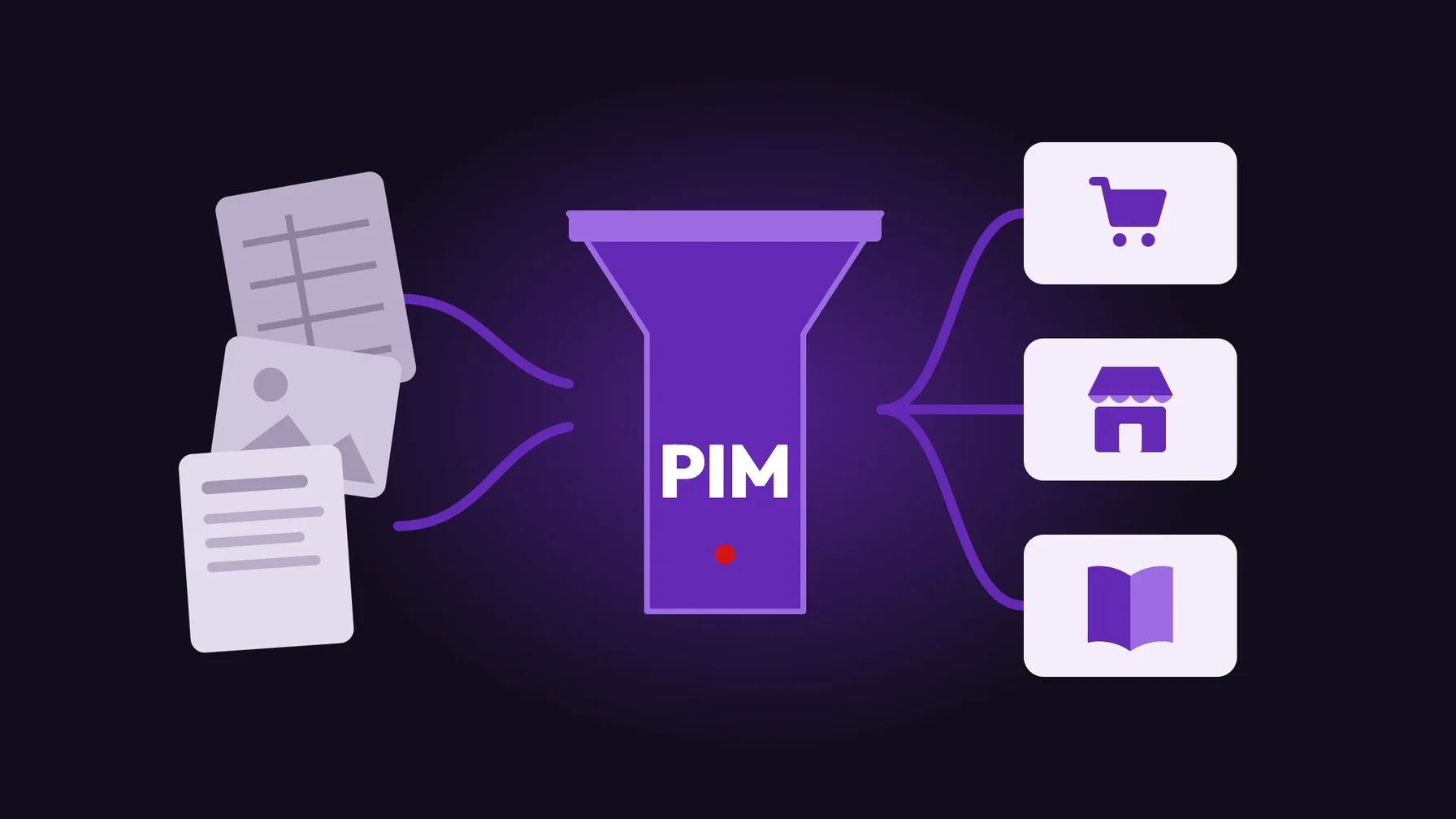
A PIM system (product information management) is the central place where you maintain, enrich and distribute product information to all channels: online shop, marketplaces, print and dealer portals. It holds attributes, descriptions, translations, variants and often images and documents too.
The ERP remains the source of commercial data such as item number, price and stock. The PIM adds everything that describes and sells a product. Many PIM systems, such as Pimcore, also include a DAM (digital asset management) for images and media.
Signs that you need a PIM
These signals point to a PIM:
Several channels: you publish the same products in your shop, on marketplaces and in catalogues and maintain them several times.
Several languages: translations live in spreadsheets and get lost when things change.
Many attributes and variants: technical products with dozens of characteristics that feed filters and comparisons.
Many data sources: suppliers deliver data in different formats.
Long time to market: new products take weeks to go fully online.
If only one of these applies, a well-maintained shop system is often enough. If several apply, not having a PIM costs you time every day.
What the introduction means for your team
A PIM is first and foremost an organisational project. You decide who maintains which data, which fields are mandatory and when a product counts as complete. Without these rules, the PIM becomes just another spreadsheet.
At the same time, everyday work changes: product management, marketing and translation work in one system with workflows and approvals. That reduces coordination, but requires training and clear ownership of data quality.
Our recommendation: plan the data model from the channel. Which attributes does the shop filter need, which images the product page, which data the marketplace? That way you get a PIM that supports revenue instead of just collecting data.
Typical mistakes when introducing a PIM
Migrating everything at once. If you bring over every legacy issue, you import the problems into the new system.
Defining the data model too late. Attributes that have to be rebuilt later cost twice.
Underestimating interfaces. A PIM only delivers value when ERP, shop and marketplaces are properly connected.
How to introduce a PIM
Run a data audit. Look at your range, data sources, channels and legacy data, and check whether a PIM is the right choice.
Define the data model. Set product classes, attributes, variants and mandatory fields.
Start in stages. Go live with the most important product data and channels first; the rest follows.
Clean up legacy data. Only migrate what you really need, and clean it first.
Anchor ownership. Decide who measures and improves data quality.
Conclusion: a PIM system pays off when channels and complexity grow
Introducing a PIM system pays off when you sell products across several channels, in several languages or with many characteristics. Then it saves time, reduces errors and speeds up new product launches.
For small ranges with one channel, a PIM is often too much. An honest assessment upfront prevents investments without benefit.
We introduce PIM systems such as Pimcore and connect them to Shopware and Magento. You'll find more on our Pimcore agency page.
Frequently asked questions
What is the difference between PIM and ERP?
The ERP manages commercial data such as item number, price and stock. The PIM maintains everything that describes and sells a product: attributes, texts, translations and images. The two work together.
How many products do you need before a PIM pays off?
There's no fixed threshold. What matters is the number of channels, languages, attributes and data sources. With a few hundred items and one channel, the shop system is often enough.
How long does a PIM introduction take?
That depends on your range, interfaces and legacy data. Starting in stages has proven effective: first a core with the most important data and channels goes live, then the rest follows.
Does a PIM also need a DAM?
Not necessarily, but it often makes sense. A DAM manages images, videos and documents centrally. Systems such as Pimcore combine PIM and DAM in one platform.