Hyvä Theme for Magento: a Faster Shop, Now Licence-Free

 AI generated
The Hyvä Theme for Magento has been free since 2025. How Hyvä differs from Luma, what still costs money and how to plan your switch.
Many Magento shops still run on the default Luma theme. It's proven, but heavy: lots of JavaScript, many dependencies and long load times on smartphones. That's exactly where the Hyvä Theme comes in.
Since November 2025, the Hyvä Theme has been free and open source. That removes the licence hurdle that held many shops back. The question is who the switch pays off for and what it really costs.
At a glance:
What the Hyvä Theme is and how it differs from Luma
What's free and what still costs money
Where the switch takes effort
How to plan the move
What is the Hyvä Theme?
The Hyvä Theme is a frontend for Magento 2 and Adobe Commerce. It replaces the technology behind the default Luma theme with a leaner approach. According to Hyvä, proven Magento tools such as layout XML, blocks, view models and phtml templates stay in place. UI components, Knockout, RequireJS and LESS are dropped.
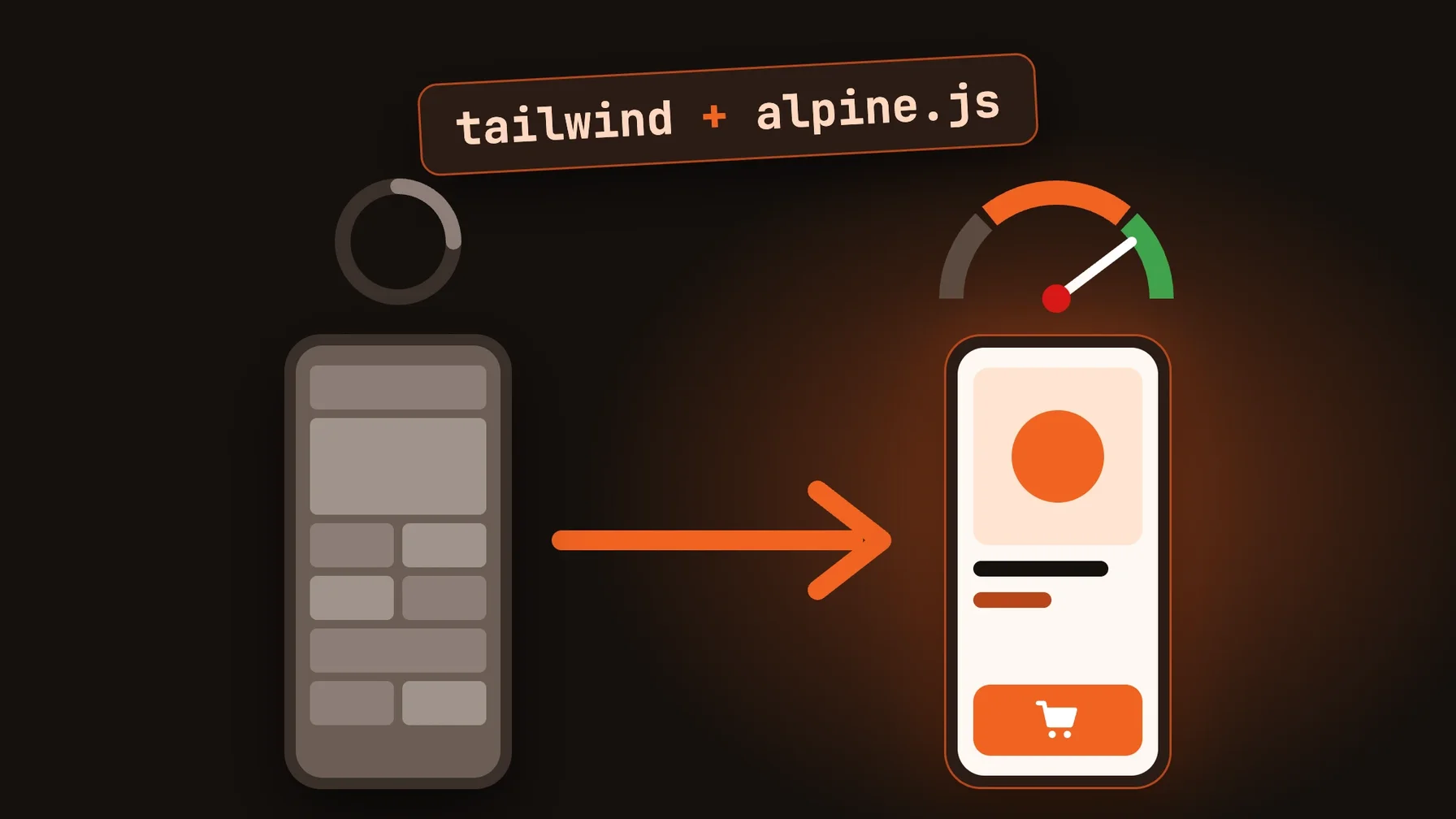
They're replaced by Tailwind CSS for styling and Alpine.js for interactive elements. The result: far less JavaScript in the browser, faster pages and a frontend that developers can adapt more easily.
Hyvä Theme for free: what changed in 2025
Hyvä released the theme under the open-source licences OSL3 and AFL3 on 10 November 2025. Since then, it has been freely available on GitHub.
According to Hyvä, the add-on products remain paid:
Hyvä UI: ready-made components, EUR 250 per Magento store
Hyvä Checkout: a dedicated, server-rendered checkout, EUR 1,000
Hyvä Commerce: extensions for content and administration, EUR 3,000 a year
Hyvä Enterprise: compatibility with Adobe Commerce and the B2B suite, EUR 7,500 a year
In practice: the theme itself no longer costs anything. The effort lies in rebuilding the frontend and in the add-on products your project needs.
Where the switch takes effort
Hyvä isn't a switch you just flip. Moving from Luma is a frontend project: templates and styles are rebuilt.
The biggest point to check is third-party extensions. Many come with their own Luma JavaScript, which doesn't run in Hyvä. Compatibility modules are available for widely used extensions; for others, an adaptation has to be developed. For individual areas such as checkout, Hyvä also provides a fallback to Luma.
If you run Adobe Commerce with B2B features, clarify early whether you need Hyvä Enterprise. Otherwise, you'll lack compatibility for company accounts, quotes and Adobe services such as Live Search.
What the switch means for your team
For developers, day-to-day work gets easier: Tailwind and Alpine.js are widely used and easier to learn than Knockout and RequireJS. Frontend changes go faster.
For your e-commerce team, load time is what counts. A leaner frontend usually improves Core Web Vitals, the metrics Google uses to measure user experience. How big the effect is depends on your starting point, so measure before and after the switch.
Our recommendation: combine the move to Hyvä with a redesign or update that's due anyway. That way, you only rebuild the frontend once.
How to plan your move to Hyvä
Check your extensions. List all extensions with a frontend component and find out whether compatibility modules exist.
Decide on add-on products. Decide whether you need Hyvä UI, Hyvä Checkout or Hyvä Enterprise.
Measure your baseline. Record Core Web Vitals and conversion rate before the switch.
Roll out step by step. Start with one store view or market before switching all of them.
Conclusion: the Hyvä Theme makes Magento faster and cheaper
With the Hyvä Theme, Magento gets a frontend that loads faster and is easier to maintain. Since its release as open source, the licence fee is gone; the investment lies in the rebuild.
For shops with an outdated Luma frontend, it's one of the most effective performance measures. What matters is checking your extensions carefully upfront.
As a Magento agency, we build Hyvä frontends and check with you whether the switch pays off for your shop.
Frequently asked questions
Is the Hyvä Theme free?
Yes. According to Hyvä, the Hyvä Theme has been free and open source (OSL3 and AFL3) since 10 November 2025. Add-on products such as Hyvä UI, Hyvä Checkout, Hyvä Commerce and Hyvä Enterprise remain paid.
What's the difference between Hyvä and Luma?
Luma relies on Knockout, RequireJS, UI components and LESS. Hyvä replaces them with Tailwind CSS and Alpine.js and ships far less JavaScript.
Will my Magento extensions work with Hyvä?
Not automatically. Extensions with their own frontend code need a compatibility module or an adaptation. Such modules already exist for many widely used extensions.
Does Hyvä work with Adobe Commerce?
Yes. For Adobe Commerce features such as the B2B suite and Adobe services such as Live Search, Hyvä offers a paid compatibility solution with Hyvä Enterprise.